
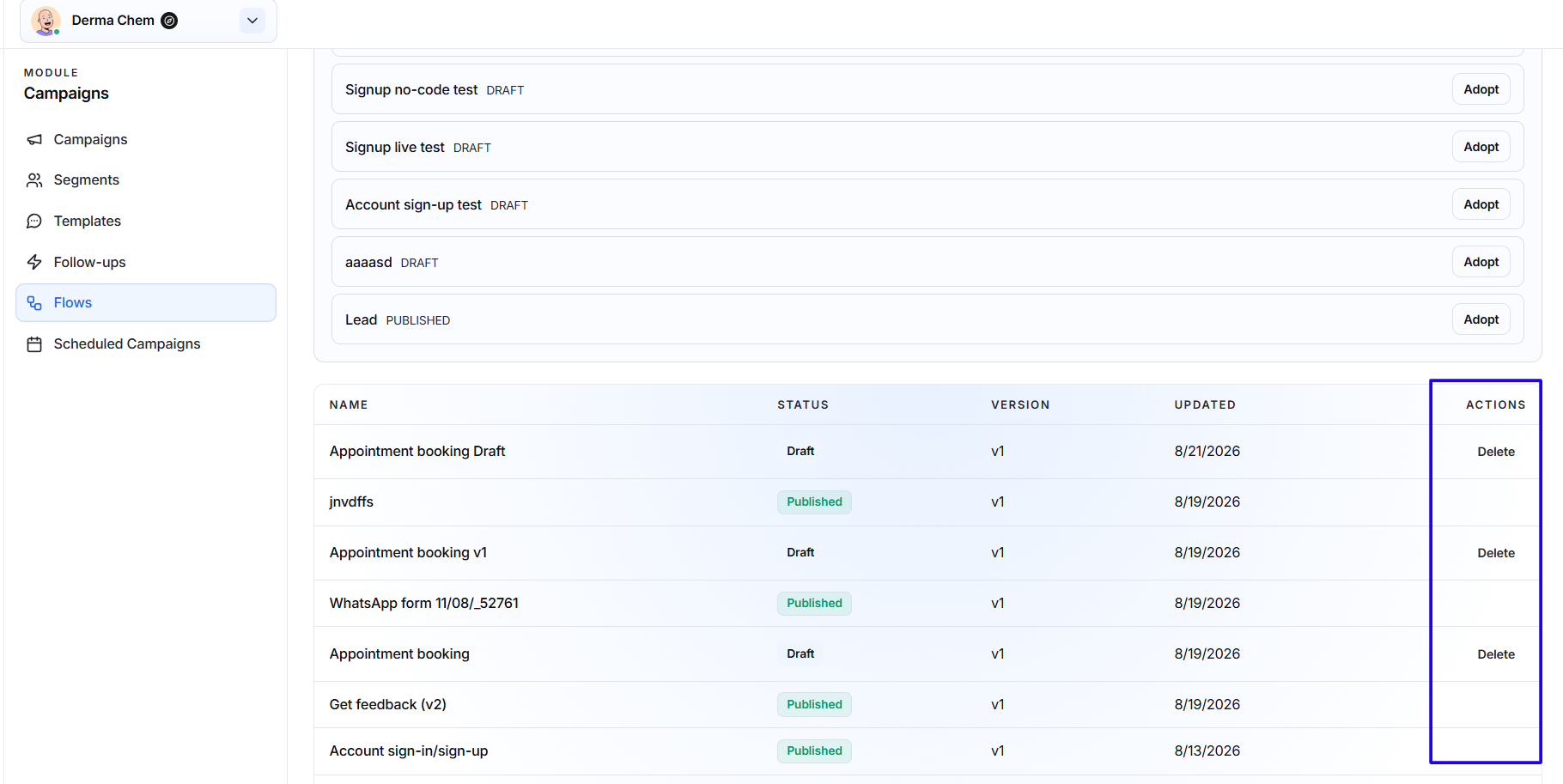
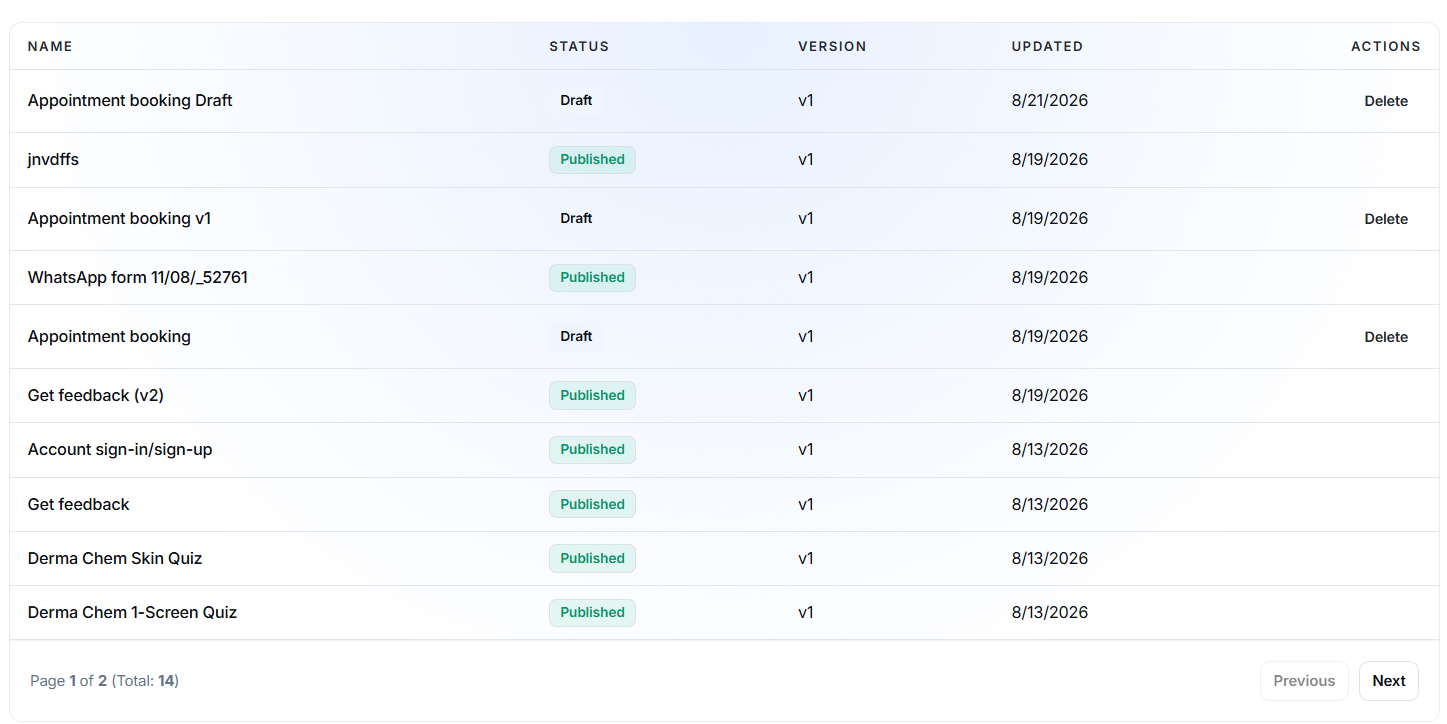
A Delete option may be available for eligible Flows.
Before deleting a Flow:
- Confirm that the correct Flow is selected.
- Check whether it is being used in a campaign.
- Keep a JSON backup if the configuration may be needed later.
- Confirm whether the Flow is still required in the WhatsApp account.
Published or currently used Flows may have different management restrictions.
Use a WhatsApp Flow in a Campaign
After creating and publishing a WhatsApp Flow, it can be added to a supported WhatsApp campaign or message template.
A typical process is:
- Create, import, adopt, or select a Flow template.
- Configure the Flow screens and fields.
- Save it as a Draft.
- Validate and test the complete customer journey.
- Publish the Flow.
- Open the campaign or WhatsApp template setup.
- Select the published WhatsApp Flow.
- Configure the button that opens the Flow.
- Send a test message.
- Schedule or launch the campaign.
Only use a Flow in a live campaign after confirming that its status is Published.
Example: Lead Capture Flow
A lead-generation Flow may include:
- A welcome screen.
- A name field.
- A phone or email field.
- A product-interest selection.
- An additional-information field.
- A consent confirmation.
- A submission screen.
- A thank-you message.
After publication, the Flow can be connected to a campaign button so recipients can submit their details directly inside WhatsApp.
Example: Appointment Booking Flow
A Dynamic appointment Flow may:
- Ask the customer to select a service.
- Retrieve available dates from an endpoint.
- Display available appointment times.
- Collect the customer’s details.
- Submit the selected booking.
- Display a confirmation.
Because this Flow uses live information, its endpoint must be available and correctly configured.
Static vs Dynamic Flows
Static Flow
Choose a Static Flow when:
- The questions and options remain fixed.
- No live external data is required.
- Information only needs to be collected.
- A simple survey, enquiry, or support form is needed.
Dynamic Flow
Choose a Dynamic Flow when:
- Live data must be displayed.
- Availability needs to be checked.
- Information must be sent to an external system.
- Results depend on customer input.
- API or endpoint processing is required.