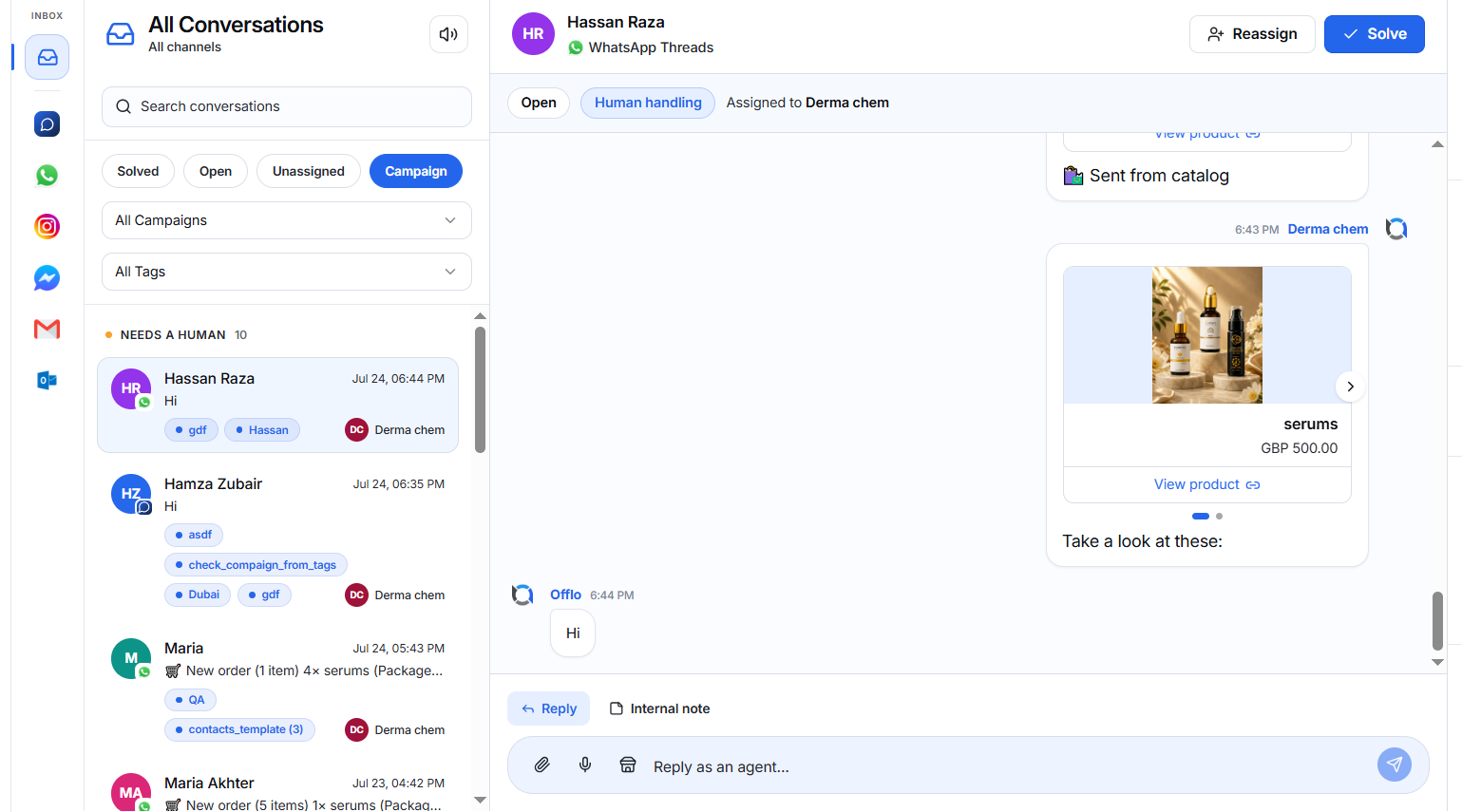
The Solved tab contains conversations that no longer require action.
Typically:
- AI answered successfully.
- The human agent completed the conversation.
- The customer issue has been resolved.
Solved conversations remain searchable.
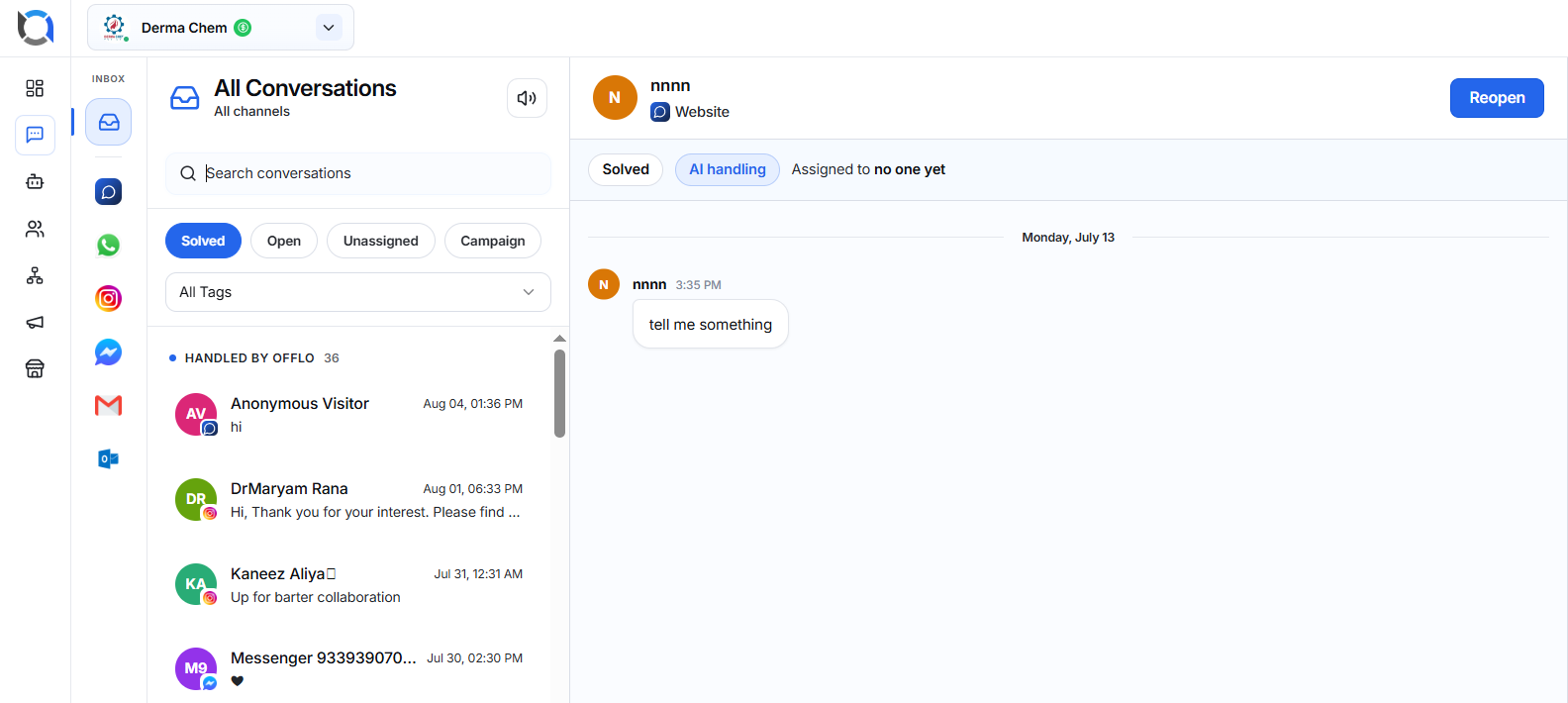
Reopening a Solved Conversation
Sometimes additional follow-up is required.
For example:
- The customer replies later.
- The agent wants additional clarification.
- Further assistance is needed.
Click Reopen to move the conversation back into the active workflow.
Once reopened:
- Status changes from Solved to Open.
- Team members can continue chatting.
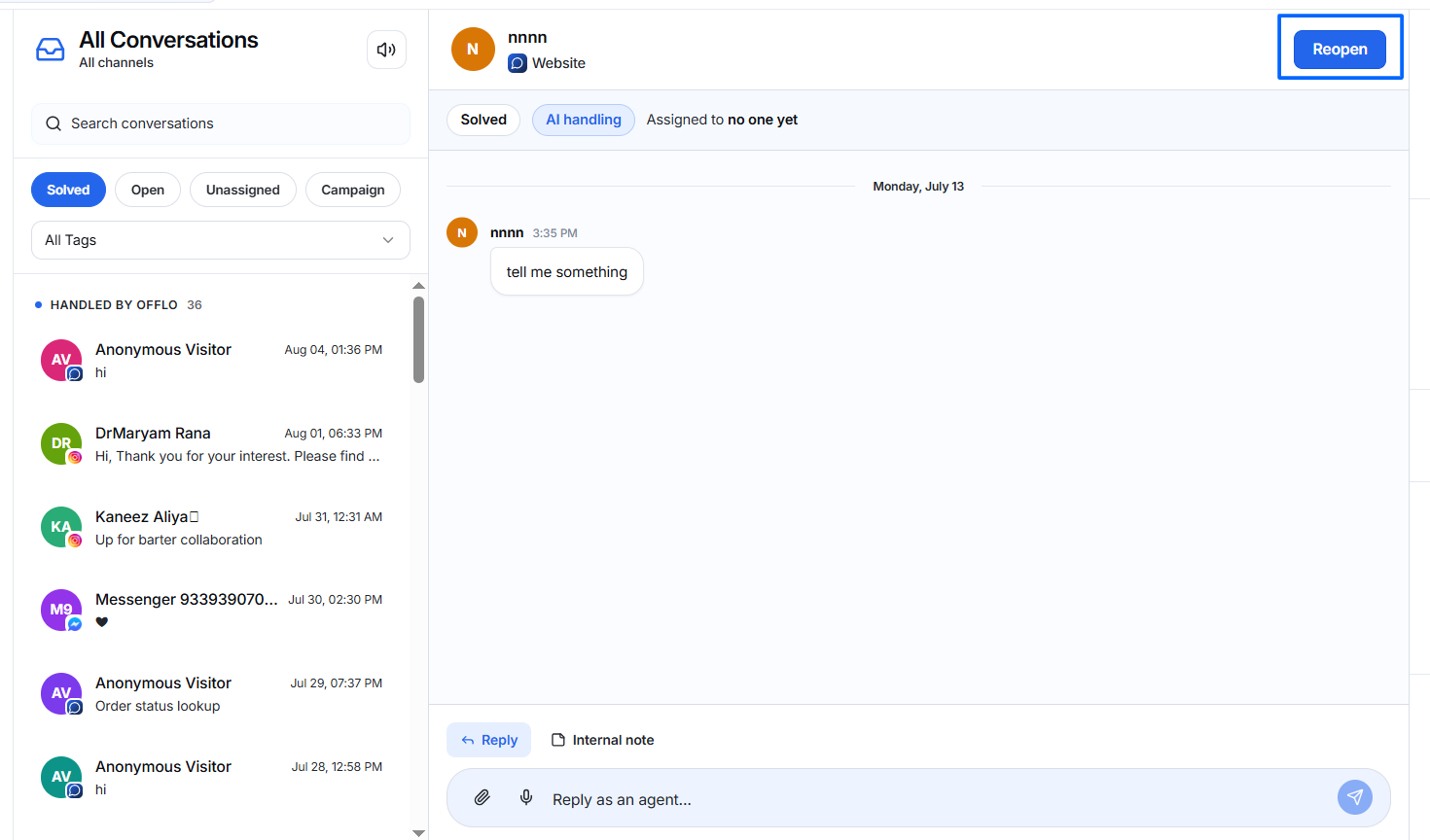
Open
Open conversations require active attention.
These conversations usually occur when:
- Human assistance is required.
- AI cannot confidently answer.
- The customer requests a human representative.
- A team member is already handling the conversation.
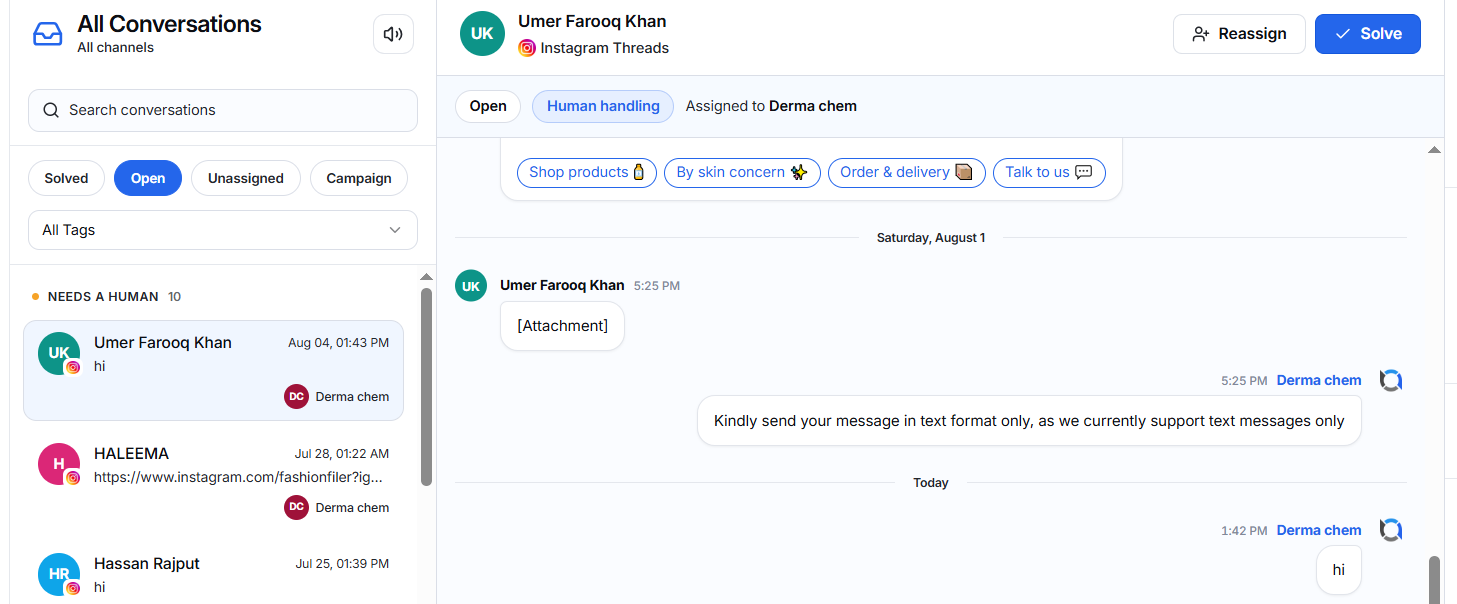
Open conversations can be:
- Assigned
- Replied to
- Solved after completion
Human Handling
When a conversation is assigned to a team member:
- AI stops managing the conversation.
- Human Handling badge appears.
- The assigned team member continues communication.
Solving an Open Conversation
Once the customer issue is fully resolved:
- Review the conversation.
- Ensure no further action is needed.
- Click Solve.
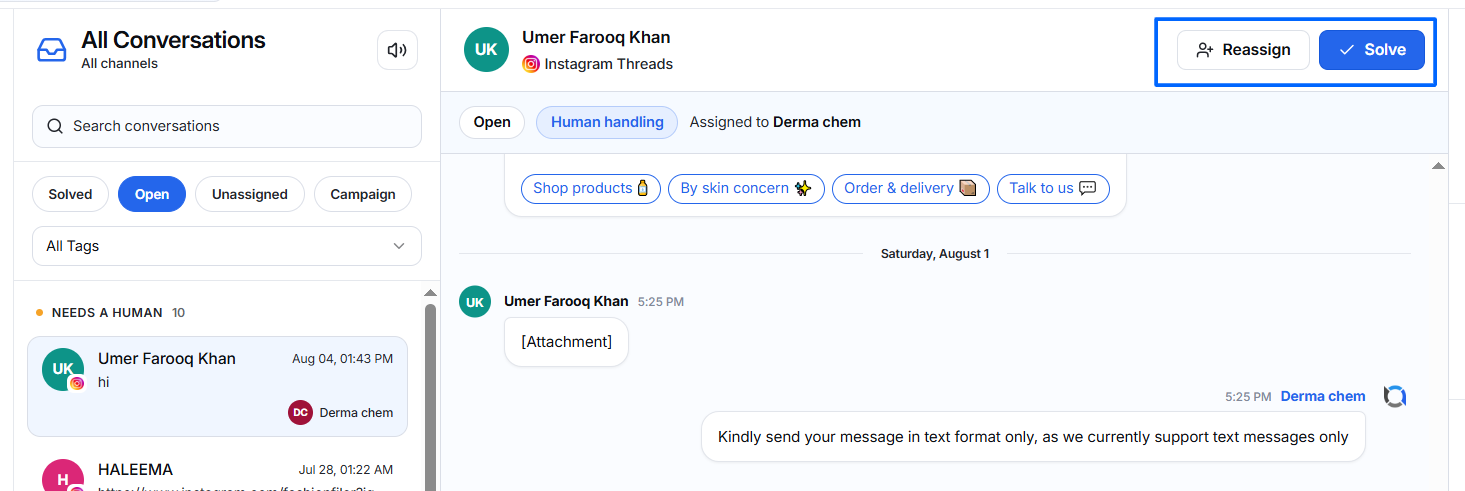
The conversation moves into the Solved tab.
Unassigned
The Unassigned tab contains conversations that require human attention but have not yet been assigned to any team member.
Typical reasons include:
- The customer requested a human.
- AI escalated the conversation.
- AI could not answer.
- No team member has claimed the conversation.
These conversations display:
- Awaiting Human
- Unassigned
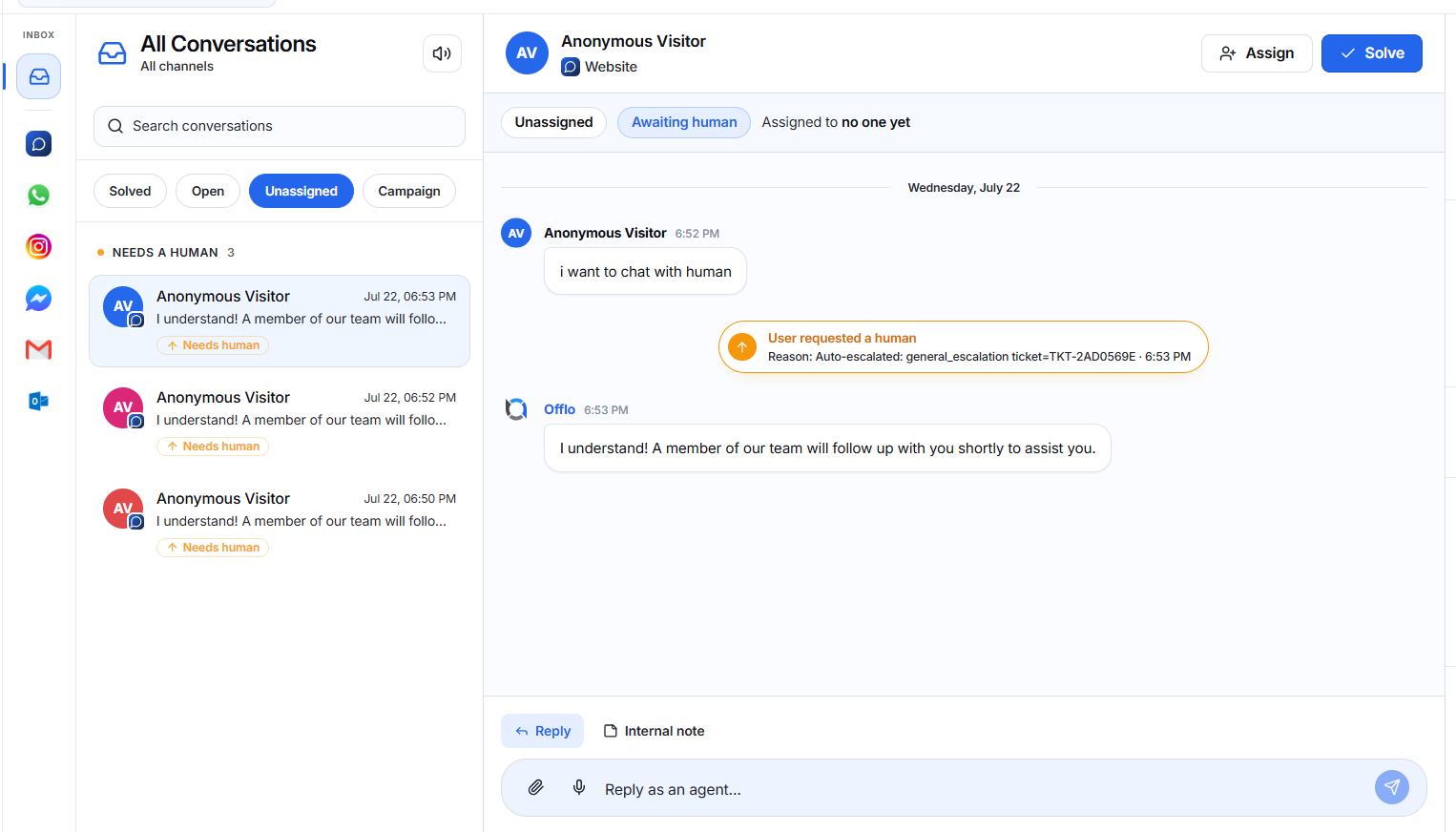
Assigning a Conversation
Click Assign.
A list of available teammates appears.
Choose either:
- Assign to yourself
- Assign to another available teammate
After assignment:
- Conversation moves into the Open workflow.
- The assigned member becomes responsible for the conversation.
Solving an Unassigned Conversation
If you can resolve the issue immediately without assigning it:
- Open the conversation.
- Reply to the customer.
- Click Solve.
Campaign
Campaign conversations contain messages generated through marketing campaigns.
Campaign conversations:
- Also appear in Open, Solved, or Unassigned depending on their current status.
- Always remain accessible under the Campaign tab for marketing tracking.
This allows campaign performance and customer replies to be monitored separately.