Configure Your AI Employee
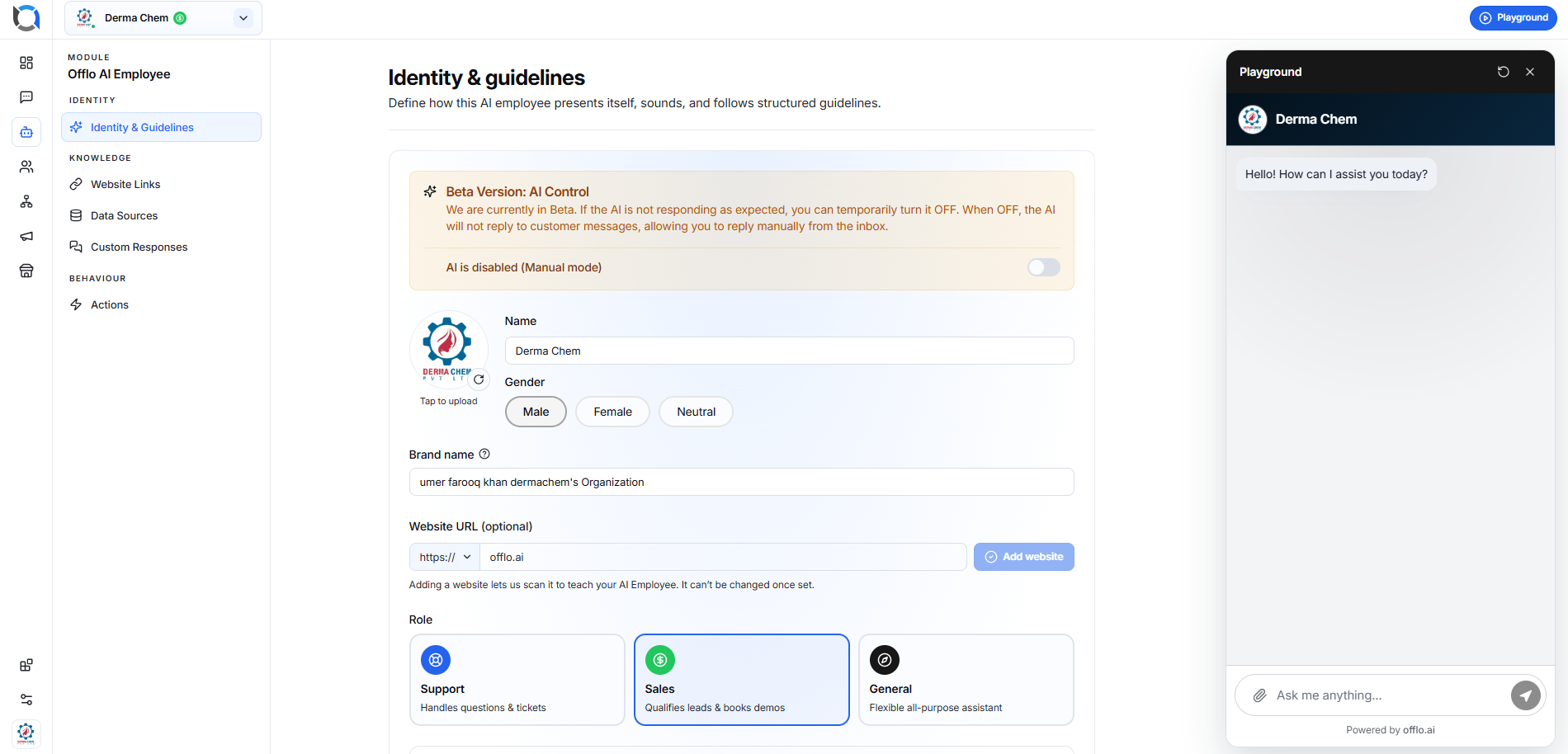
The Identity & Guidelines page is where you create and customize your AI Employee. Here you define who your AI is, how it speaks, what it knows, and how it should interact with customers.
After completing this page, your AI Employee will be ready to answer customer questions according to your business requirements.
Overview
The page is divided into the following sections:
- AI Control
- Basic Information
- Website Configuration
- AI Role
- Communication Style
- AI Guidelines
- Live Playground
AI Control (Beta)
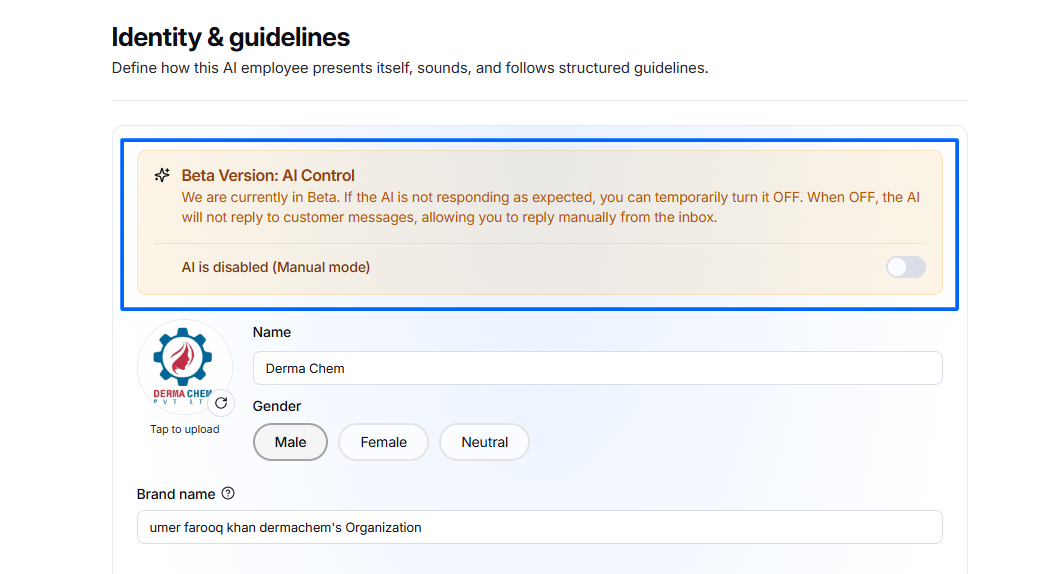
At the top of the page you'll find the AI Control section.
Purpose
This option allows you to enable or disable AI responses without deleting your configuration.
When AI is disabled:
- Customers can still send messages.
- AI will not reply.
- All conversations will wait for a human team member.
- Agents can manually reply from the Inbox.
This is useful when:
- Testing new instructions
- Updating AI behavior
- Performing maintenance
- Temporarily switching to manual support
Basic Information
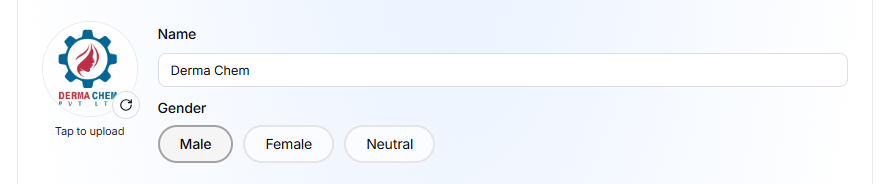
This section defines the identity of your AI Employee.
AI Avatar
Upload your AI Employee profile image.
The avatar appears in:
- Website Chat Widget
- Playground
- Inbox conversations
- Customer chat window
Supported image formats:
- PNG
- JPG
- JPEG
Use a square logo for the best appearance.
AI Name
Enter the name customers will see during conversations.
Example: Derma Chem
This name appears in:
- Chat widget
- Playground
- Inbox
- Customer conversations
Gender
Choose how the AI represents itself.
Options:
- Male
- Female
- Neutral
The selected gender influences the AI's communication style and self-reference when needed.
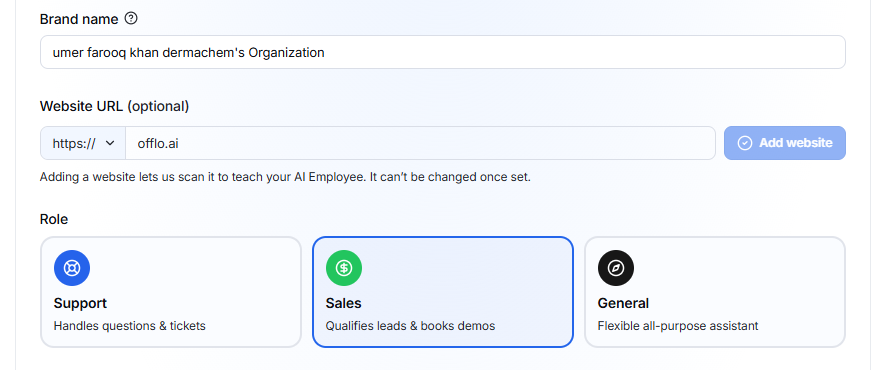
Brand Name
Enter your business or organization name.
Example: Derma Chem Pvt Ltd
The AI uses this information when introducing the company.
Example response:
Welcome to Derma Chem. How may I assist you today?
Website URL (Optional)
Enter your business website.
Example: https://yourcompany.com
Click: Add Website
The system will scan your website and use its content as a knowledge source for the AI Employee.
Benefits
The AI can answer questions about:
- Products
- Services
- Pricing
- Policies
- FAQs
- Business information
Note
Once a website is added and indexed, it cannot be edited directly. Remove it first if you need to replace it.
Select AI Role
Choose the primary responsibility of your AI Employee.
Support
Best for
- Customer support
- Help desk
- Technical questions
- Order tracking
- FAQs
The AI prioritizes solving customer issues.
Sales
Best for
- Product recommendations
- Lead qualification
- Appointment booking
- Upselling
- Sales conversations
The AI focuses on generating sales opportunities.
General
Best for
- Small businesses
- General inquiries
- Mixed conversations
This option provides balanced behavior suitable for most businesses.
Basic Communication Settings
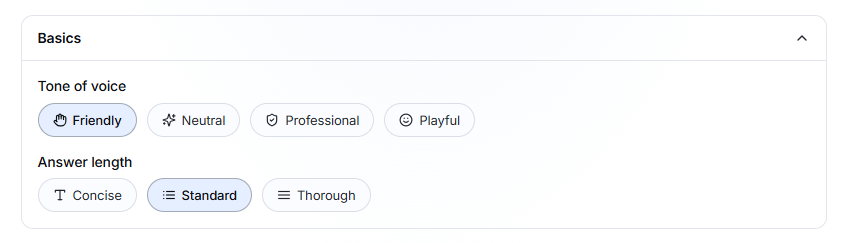
These settings determine how the AI communicates with customers.
Tone of Voice
Choose your AI's communication style.
Friendly
Warm and conversational.
Suitable for:
- Ecommerce
- Retail
- Beauty
- Restaurants
- Lifestyle brands
Neutral
Balanced communication without emotional language.
Suitable for:
- General businesses
Professional
Formal and business-oriented.
Suitable for:
- Healthcare
- Finance
- Legal
- B2B companies
Playful
Energetic and engaging.
Suitable for:
- Kids products
- Entertainment
- Gaming
- Events
Answer Length
Choose how detailed the AI responses should be.
Concise
Very short replies.
Ideal for:
- Quick customer support
- Live chat
- Fast answers
Standard
Balanced responses.
Recommended for most businesses.
Thorough
Detailed explanations.
Ideal for:
- Healthcare
- Technical support
- Product education
Identity & Style
This section defines how the AI communicates.
You can create custom rules that shape the AI's personality and communication style.
Examples include:
- Speak the customer's language
- Write in the company's tone
- Avoid slang
- Use brand terminology
- Address customers politely
Existing Guidelines
Example
Speak the Customer's Language
The AI automatically replies in the same language used by the customer.
If a customer switches languages, the AI follows the customer's preferred language.
Write in Our Voice
Defines the brand personality.
Example: Friendly, Professional, Helpful, Confident
The AI follows these writing guidelines in every response.
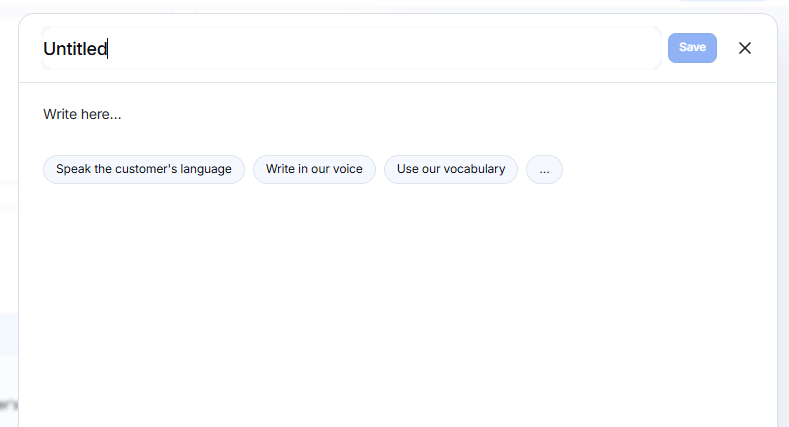
Creating a New Guideline
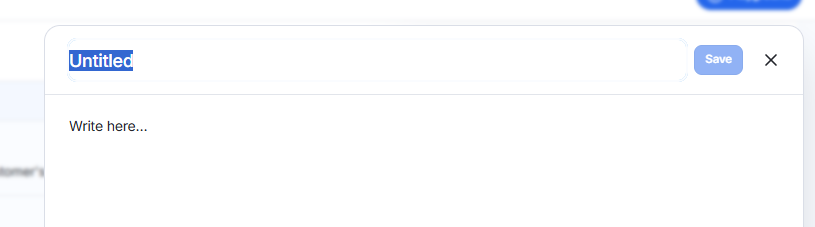
Click + New
Then provide:
- Guideline Name
- Instruction
- Click Save button
The AI immediately starts following the new instruction.
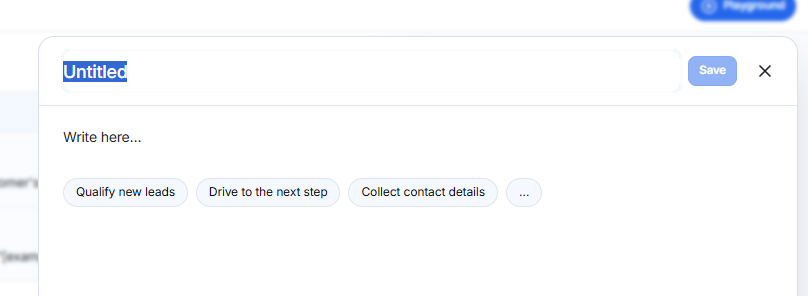
Conversation Flow & Objectives
This section defines what the AI should achieve during conversations.
Examples:
- Collect customer information
- Recommend products
- Book appointments
- Qualify leads
- Escalate to a human agent
- Answer FAQs
- Generate quotations
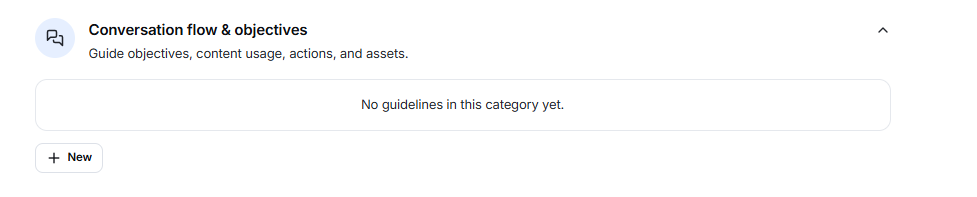
Click + New to create a custom objective.
Example:
Name: Lead Qualification
Instruction:
Ask for the customer's name, email, and product of interest before recommending a solution.
Boundaries
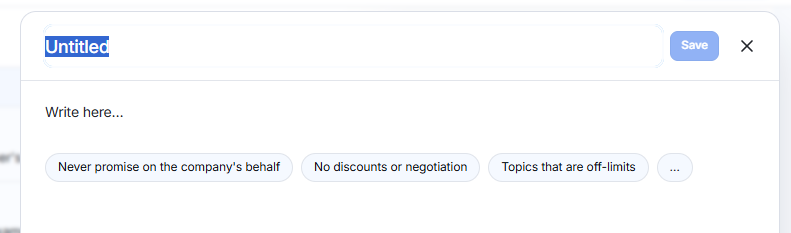
Boundaries define what your AI Employee is allowed and not allowed to do.
This helps prevent incorrect or inappropriate responses.
Examples:
- Do not discuss pricing unless available in the knowledge base.
- Never provide medical diagnoses.
- Escalate refund requests to a human agent.
- Do not collect sensitive payment information.
- Avoid answering questions outside the company's services.

Click + New to add a boundary.
Other Guidelines
Use this section for custom instructions that don't fit into the previous categories.
Examples:
- Seasonal promotions
- Marketing campaigns
- Internal business rules
- Special customer handling instructions
- Custom workflows
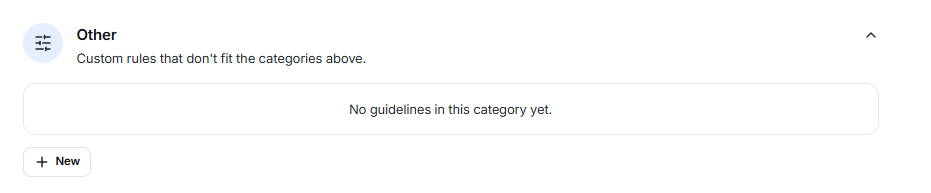
Click + New to create additional rules.