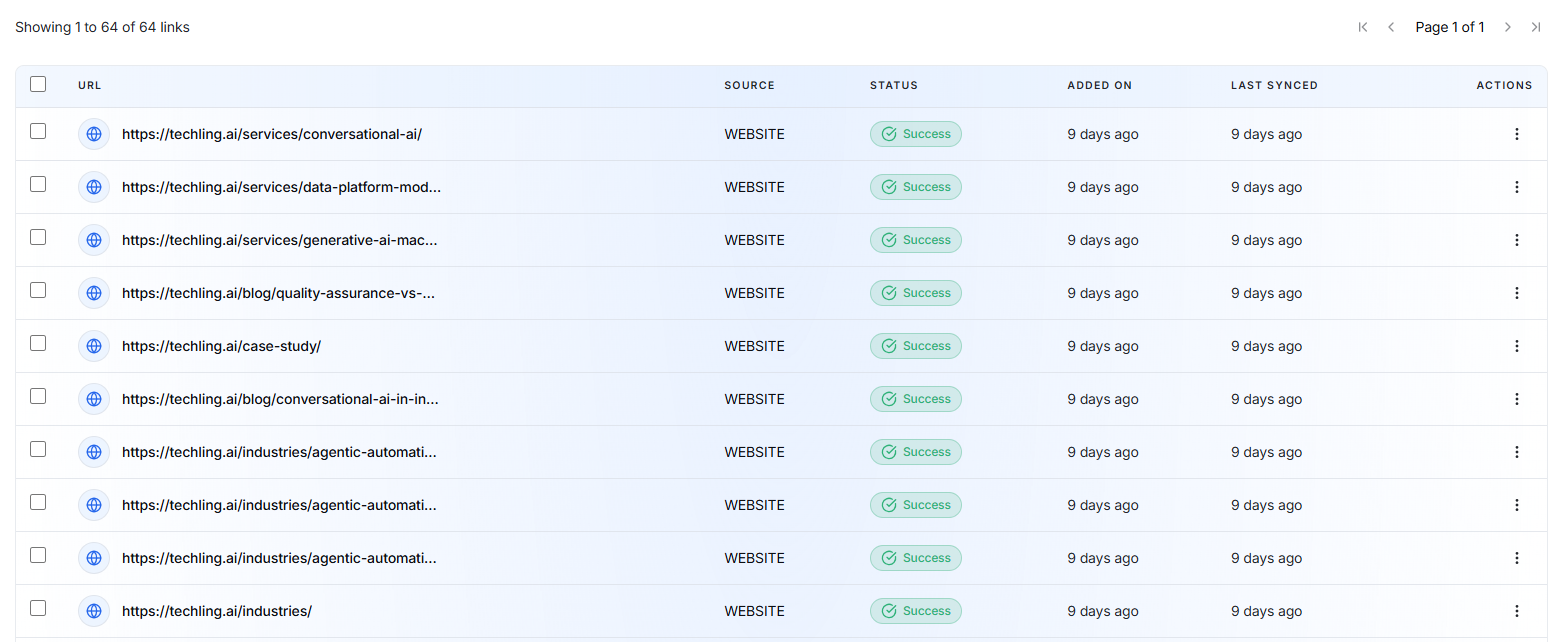
The Playground panel on the right allows you to test your AI before publishing it.
It simulates a real customer conversation using your current configuration.
Features
- Send test messages.
- Verify AI responses.
- Check tone and personality.
- Test custom guidelines.
- Validate knowledge sources.
- Ensure conversation flows work as expected.
Any changes made on the Identity & Guidelines page are reflected in the Playground, allowing you to verify the AI's behavior before deployment.
Website Links
The Website Links section allows you to manage all website pages and YouTube videos that are used as knowledge sources for your AI Employee.
When you create an AI Employee and provide your website URL, the platform automatically crawls your website, extracts relevant content, and trains the AI Employee using that information.
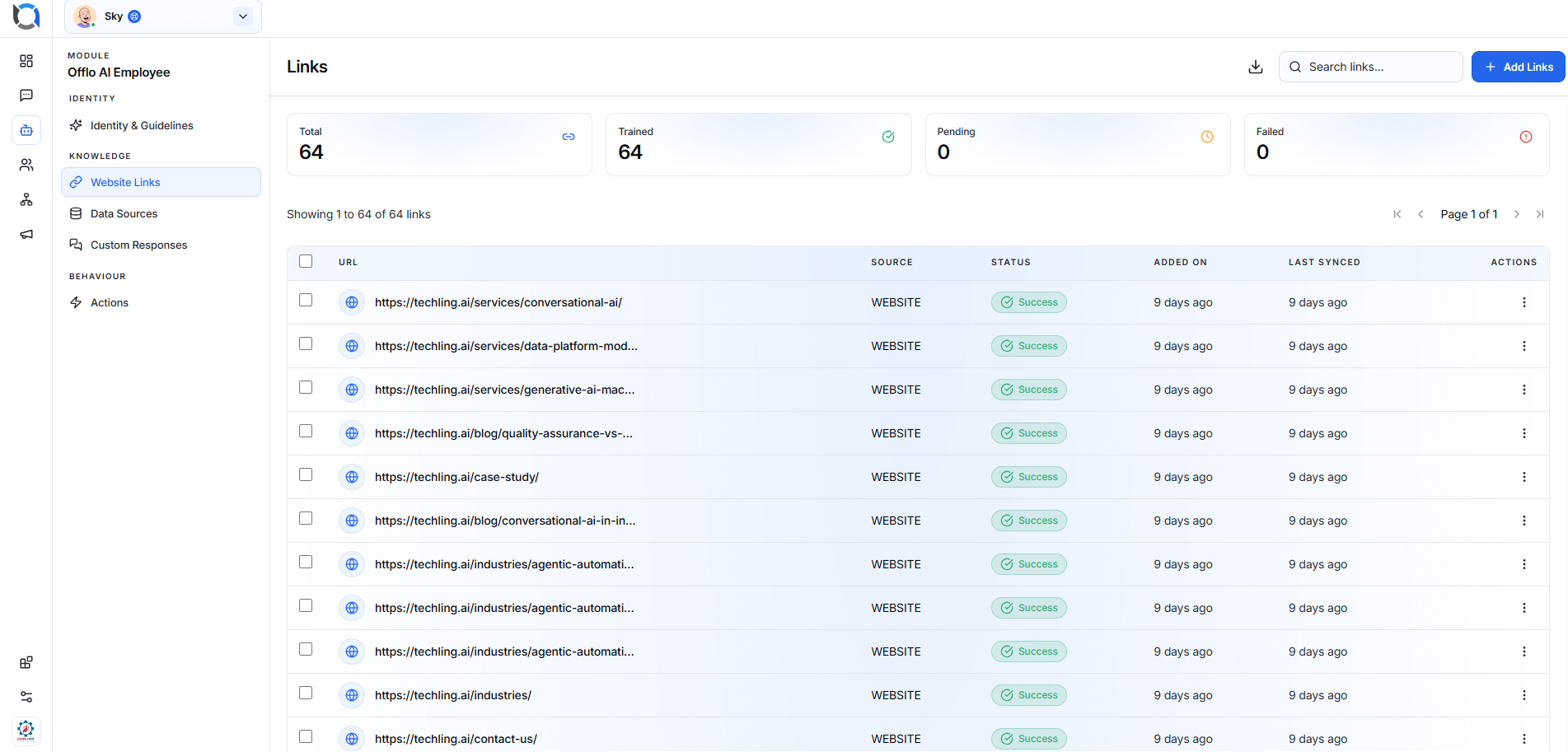
Automatic Website Crawling
When creating an AI Employee, enter your website URL.
The system will then:
- Scan your website automatically.
- Crawl accessible web pages from the provided domain.
- Extract text and important content from each page.
- Convert the content into searchable knowledge.
- Train the AI Employee using the extracted information.
Every crawled page will automatically appear in the Website Links list.
Website Links Dashboard
The dashboard provides an overview of all imported website links.
Total
Displays the total number of website pages and YouTube videos added as knowledge sources.
Trained
Shows the number of links that have been successfully processed and are available for the AI Employee to answer questions from.
Pending
Displays links that are currently being crawled or processed.
Failed
Shows links that could not be processed due to issues such as:
- Invalid URL
- Website unavailable
- Unsupported page
- Crawl restrictions
- Processing failure

Website Links List
Every imported source appears in the table with detailed information.