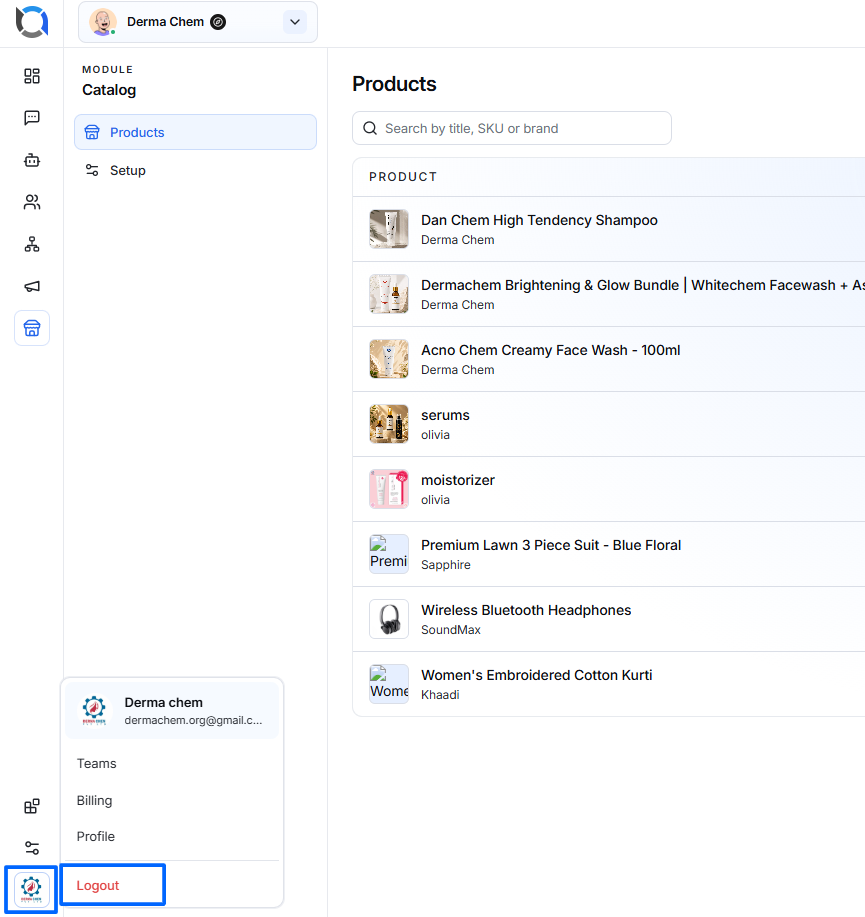
The Logout option allows you to securely sign out of your Offlo account and return to the login screen.
How to Log Out
- Open the account menu from the bottom-left corner of the screen.
- Click Logout.
- Your current session will be ended.
- You will be redirected to the Login screen.
- To access your account again, enter your login credentials and sign in.
Logout Flow
Account Menu → Logout → Session Ends → Login Screen
Important
After logging out, you will no longer have access to your account until you sign in again.
Use Logout when you have finished working, especially when using Offlo on a shared or public device.