
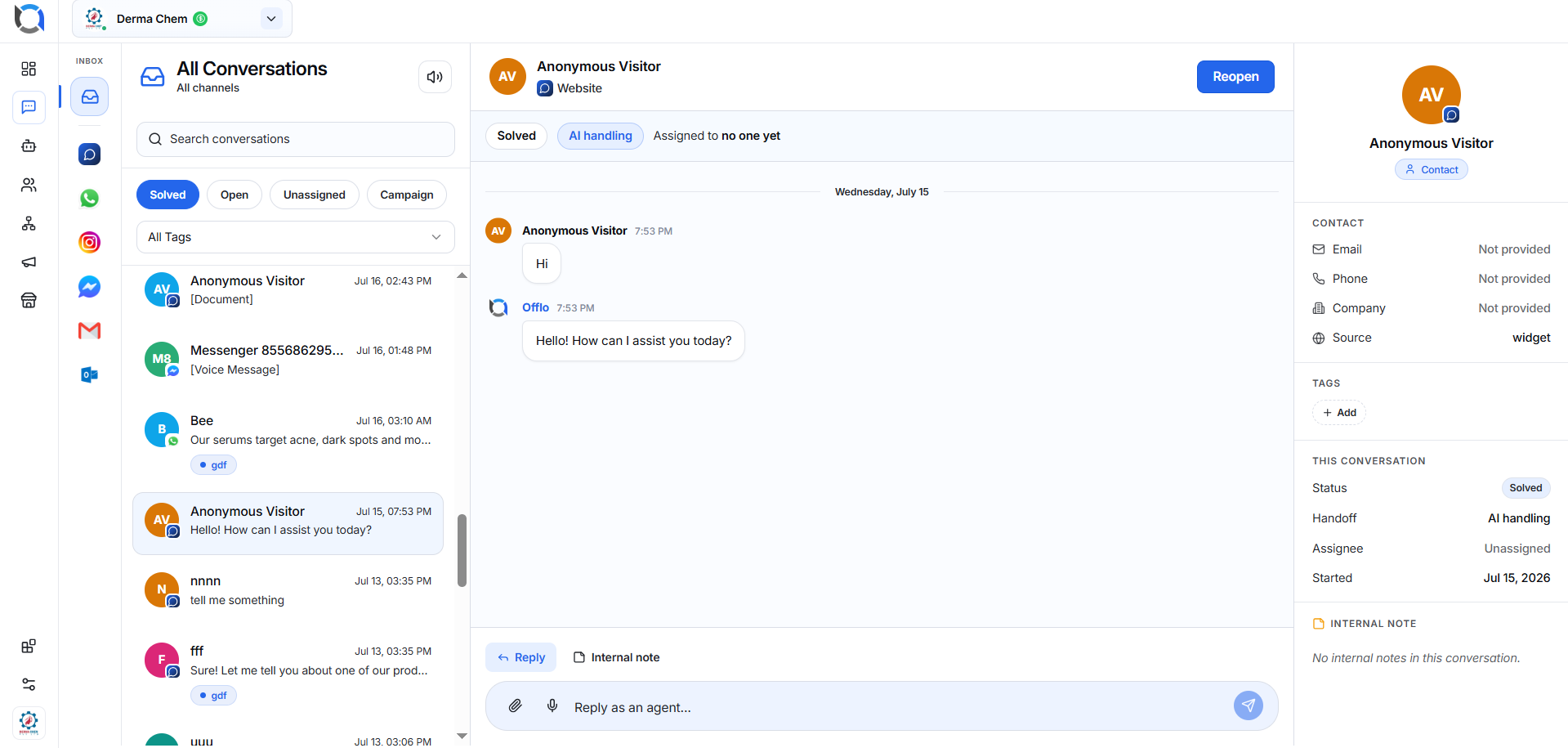
The Conversations page consists of three main sections.
1. Conversation List (Left Panel)
Displays every customer conversation.
Each conversation includes:
- Customer name
- Channel icon
- Latest message preview
- Conversation tags
- Assignment information
- Date & time
- Current status
The conversation list automatically updates whenever new messages arrive.
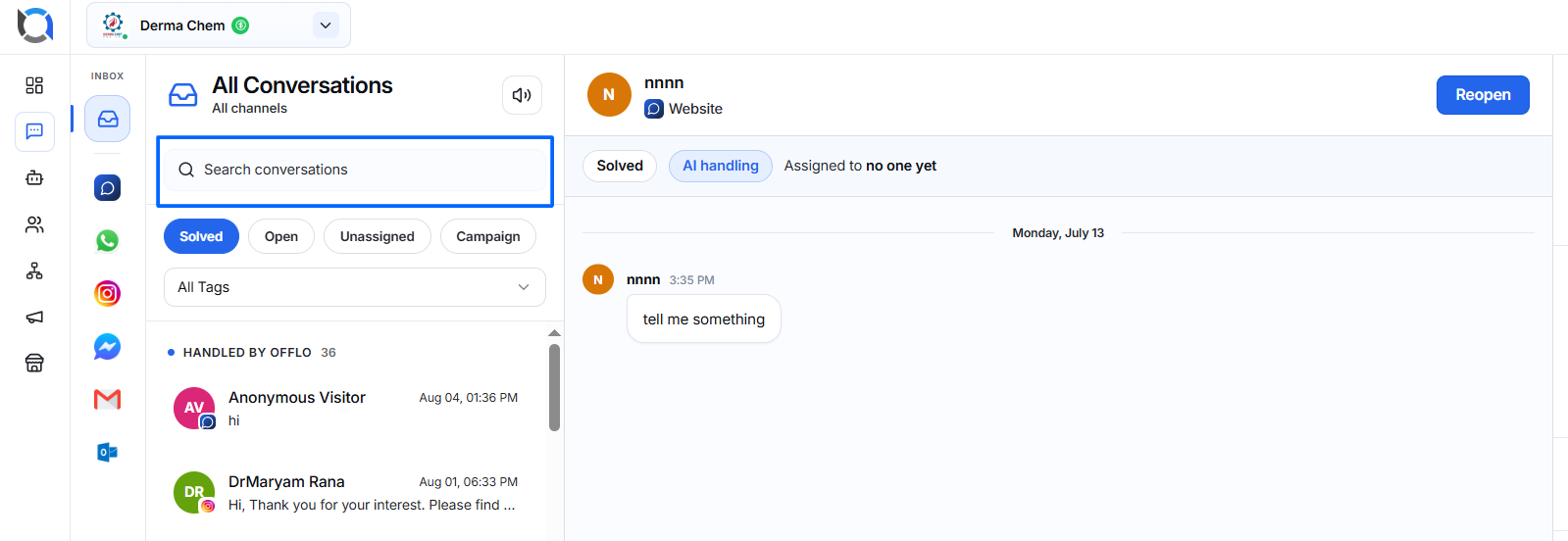
Search Conversations
Use the search bar to quickly locate conversations by:
- Customer name
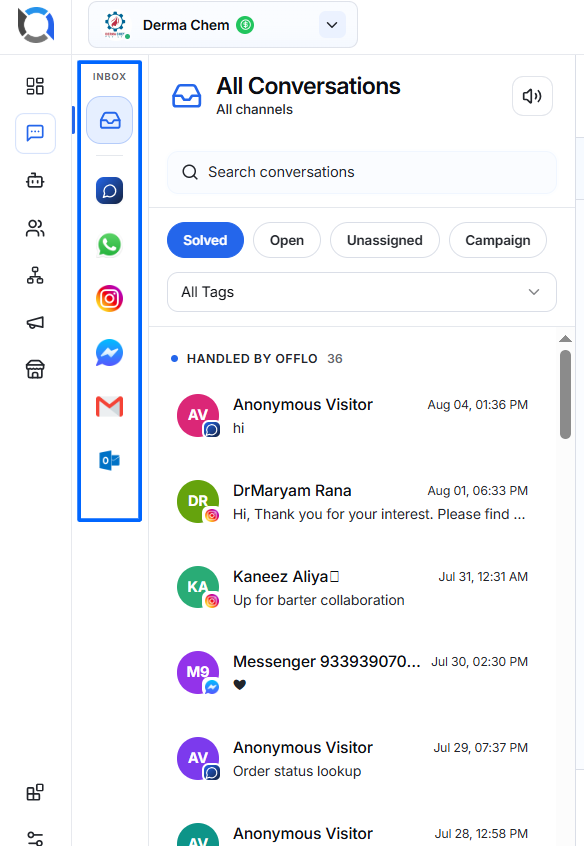
Communication Channels
Conversations from multiple channels appear in one centralized inbox.
Examples include:
- Website Widget
- Messenger
- Gmail
- Outlook
Each conversation displays its source channel.
Conversation Status Tabs
The Inbox is organized into four tabs.