The Instagram Integration allows you to connect your Instagram account to Offlo and manage Instagram conversations through the Offlo workspace.
Before Connection
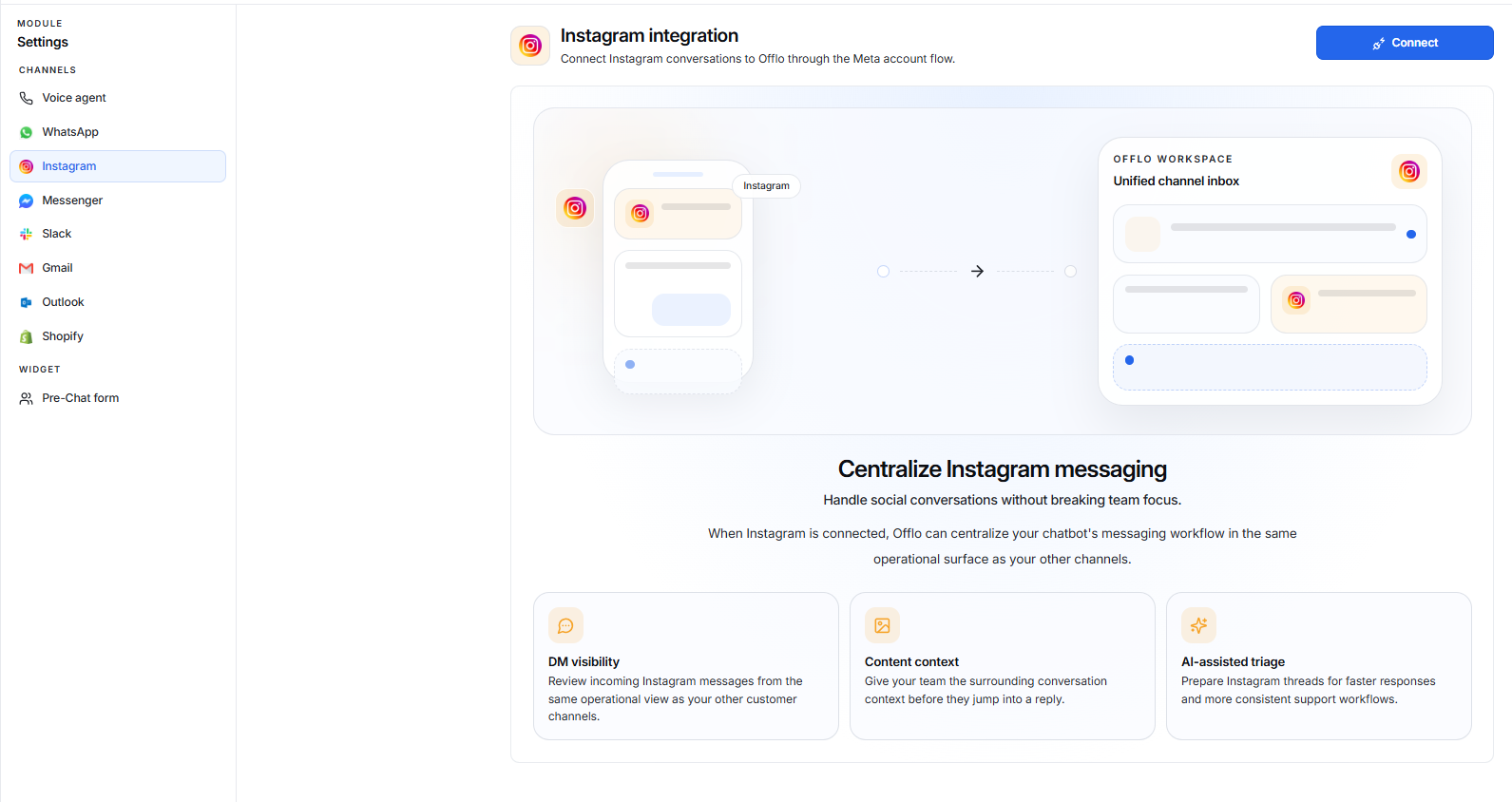
When Instagram is not connected, the Instagram Integration page displays an overview of the integration.
Connect Instagram
Click the Connect button to start the Instagram connection process.
The connection uses the Meta account flow to authorize your Instagram account.
Benefits
The page highlights three key benefits:
- DM Visibility: View incoming Instagram messages alongside your other customer channels.
- Content Context: Give your team conversation context before responding.
- AI-Assisted Triage: Help prepare Instagram conversations for faster and more consistent support.
Connection Flow
Settings → Instagram → Connect → Meta Account Authorization → Instagram Connected
After Connection
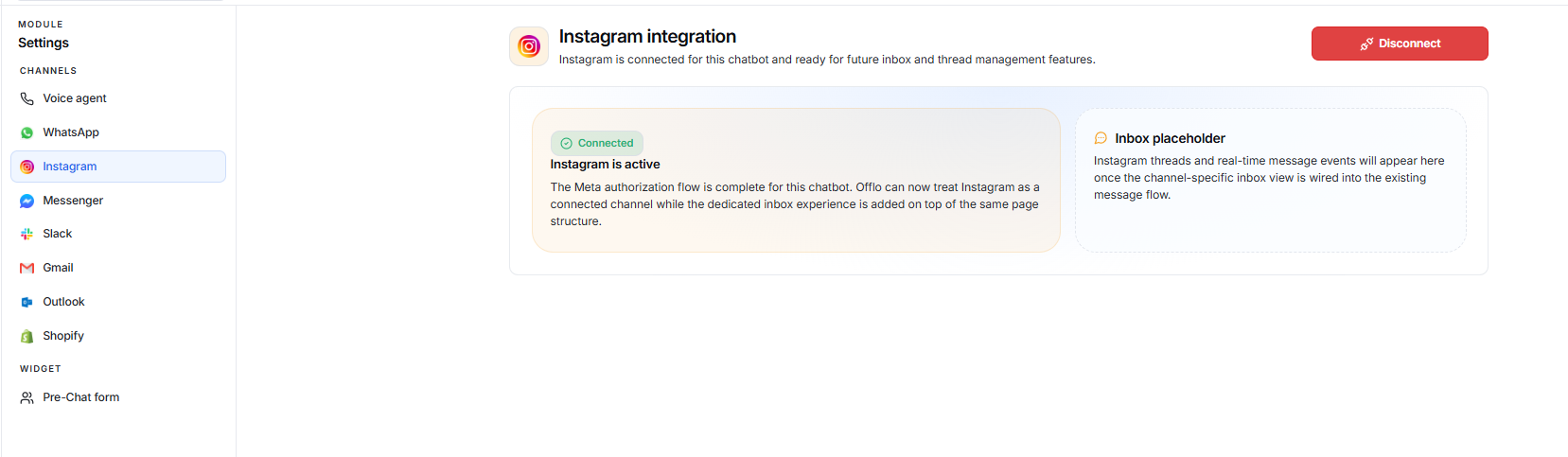
Once Instagram is successfully connected, the page changes to the connected state.
A Connected status confirms that the Meta authorization flow has been completed successfully.
The page displays:
Instagram is Active
This confirms that Instagram is successfully connected and active for the chatbot.
Offlo can now treat Instagram as a connected channel.
Inbox Placeholder
The page also displays an Inbox placeholder for future Instagram conversation management.
Instagram threads and real-time message events will appear here once the Instagram channel is fully integrated with the existing inbox experience.
Disconnect
The Disconnect button allows you to remove the Instagram connection from Offlo.
Use this option only when you want to stop using the connected Instagram account with Offlo.