Create a flow from a template
Offlo provides system-built templates for common sales, lead-generation, and customer-support use cases.
Templates are ready-made flow structures that can be added to your chatbot as editable drafts. They are useful when you want to start quickly without creating every trigger, condition, and action manually.
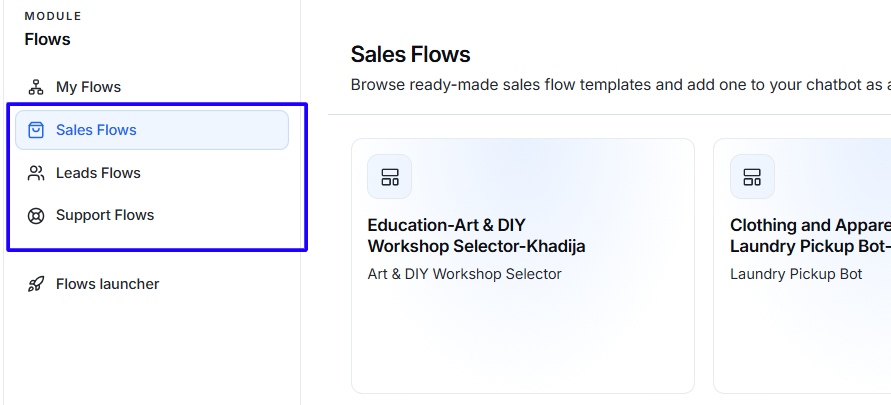
Open the template library
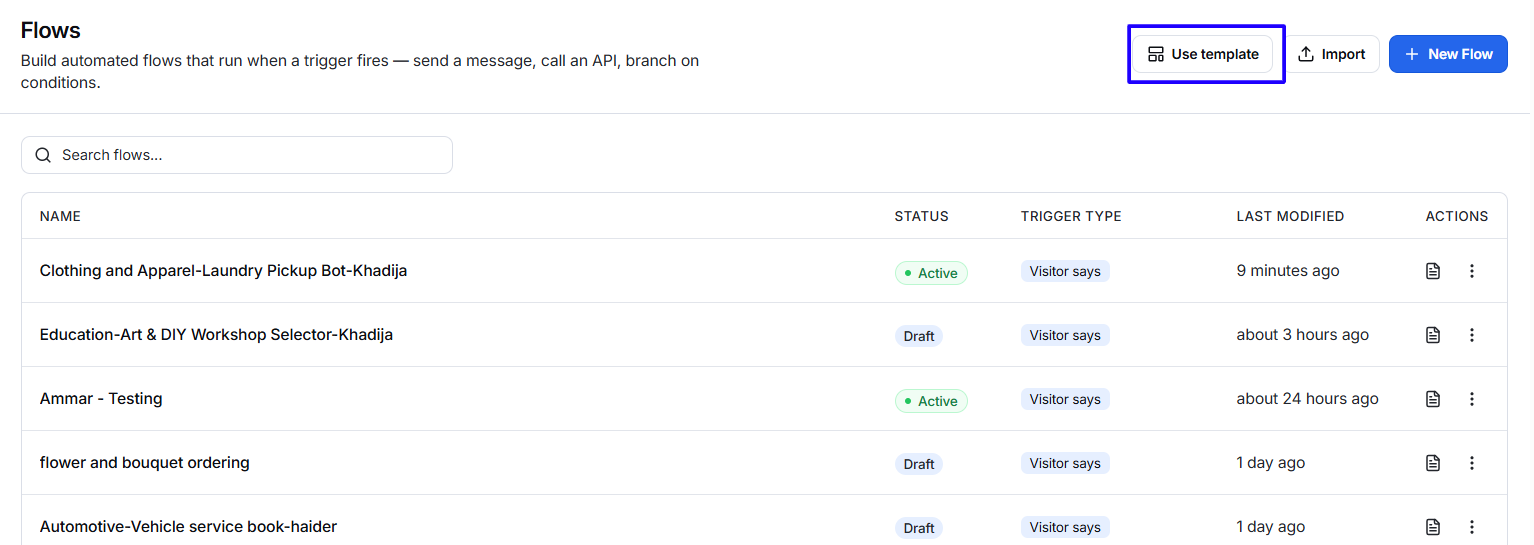
- Go to Flows > My Flows.
- Click Use template.
- Browse the available template categories.
- Select a template that matches your business requirement.
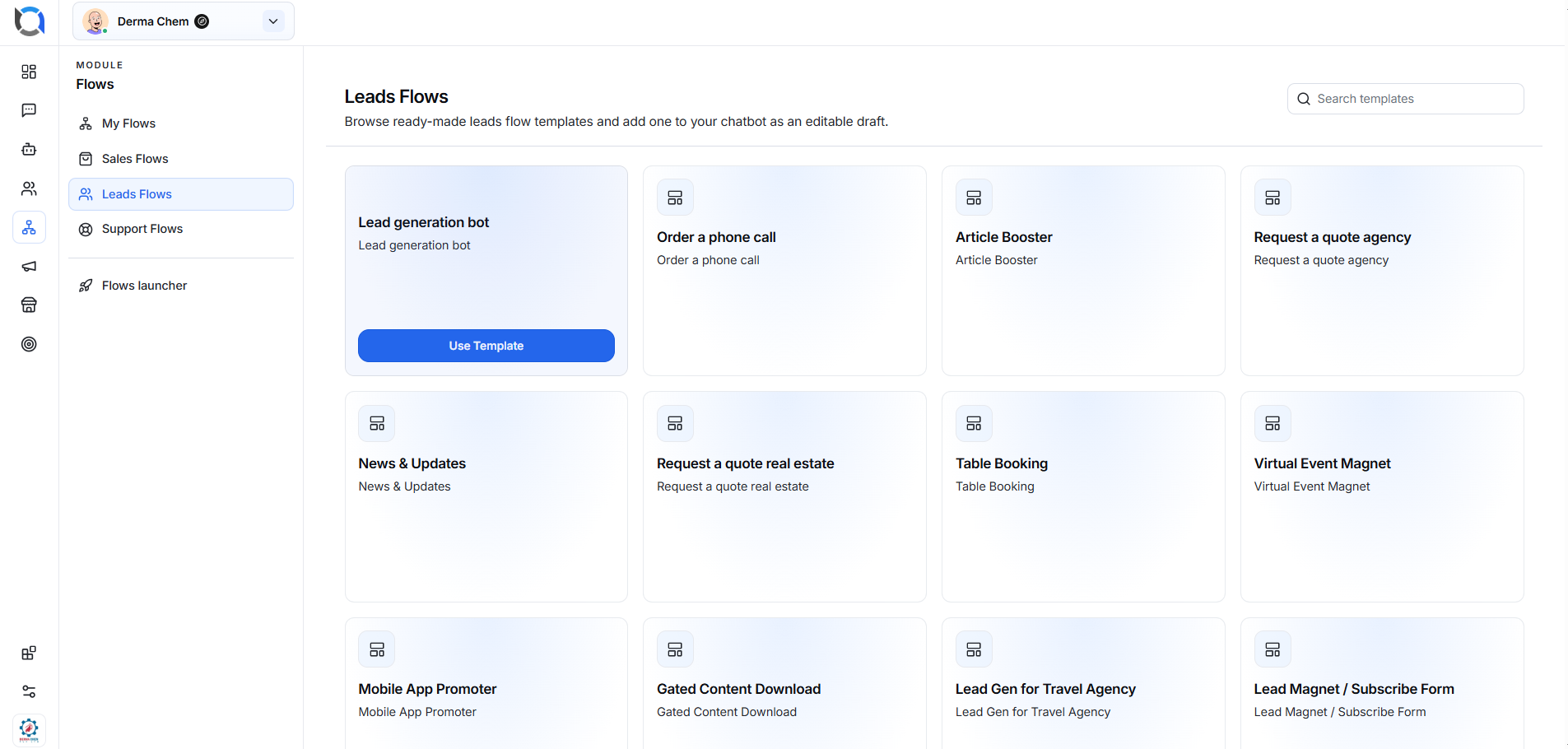
- Hover over the template card.
- Click Use Template.
- The template will be added to your chatbot as an editable draft.
- Review and customize the flow before activating it.
Using a template does not prevent further editing. You can update its content and structure according to your business needs.
Search for a template
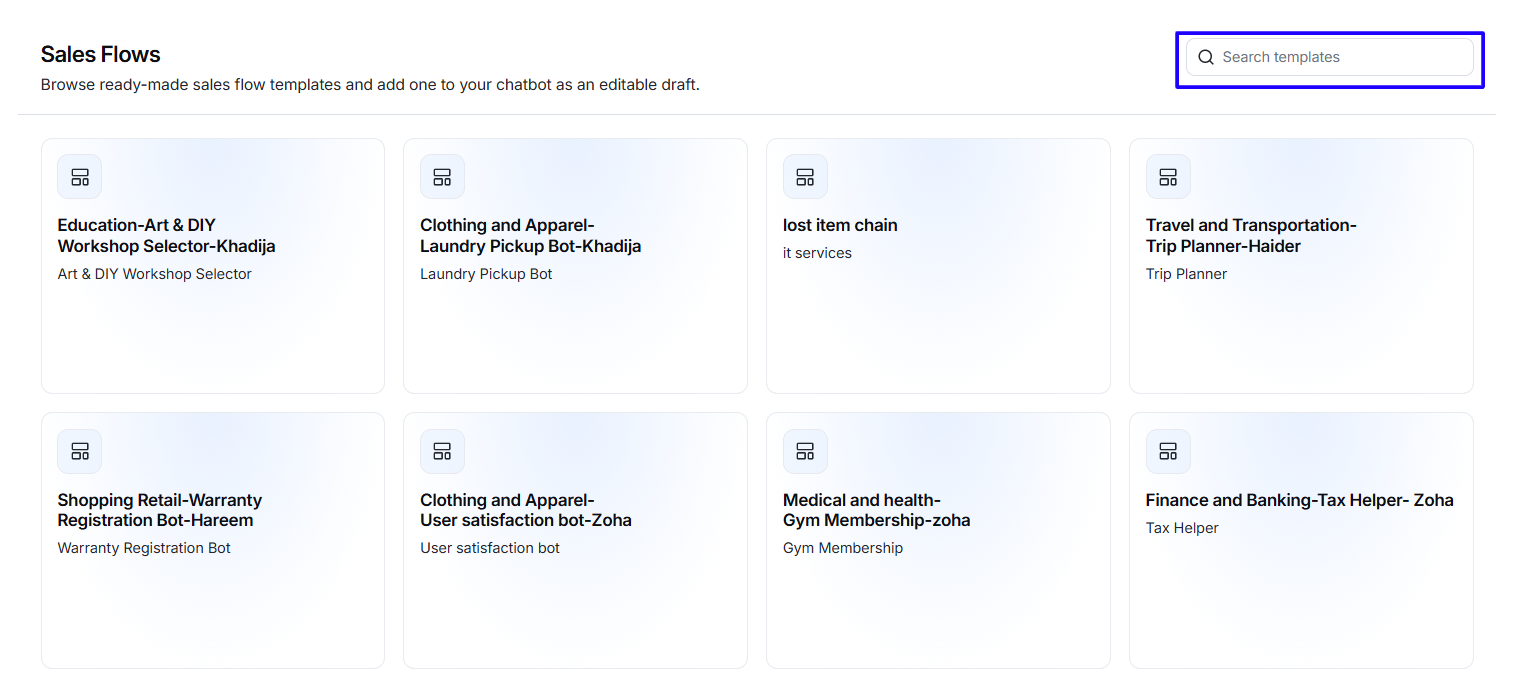
Each template category includes a Search templates field.
To find a template:
- Open the required category.
- Enter a keyword, such as lead, booking, support, or quote.
- Review the matching template cards.
- Hover over the required template.
- Click Use Template.
Template categories
Templates are grouped by their main business purpose.
Sales Flows
Sales Flow templates help businesses promote services, answer product-related questions, and guide customers toward a purchase.
Examples shown in the template library include:
- Art and DIY Workshop Selector
- Laundry Pickup Bot
- IT Services
- Trip Planner
- Warranty Registration Bot
- User Satisfaction Bot
- Gym Membership
- Tax Helper
- Driver Onboarding
- Doctor Appointment
- Distributor Enquiry Bot
- Bulk Gifting Bot
Use Sales Flows when you want to:
- Recommend products or services.
- Guide customers through available options.
- Collect order or booking information.
- Handle product enquiries.
- Support purchasing decisions.
- Encourage customers to complete a conversion.
Leads Flows
Leads Flow templates are designed to capture visitor information and generate potential sales opportunities.
Examples shown in the template library include:
- Lead Generation Bot
- Order a Phone Call
- Article Booster
- Request a Quote Agency
- News and Updates
- Request a Quote Real Estate
- Table Booking
- Virtual Event Magnet
- Mobile App Promoter
- Gated Content Download
- Lead Generation for Travel Agency
- Lead Magnet or Subscribe Form
Use Leads Flows when you want to:
- Collect names, email addresses, or contact details.
- Allow visitors to request a phone call.
- Collect quote requests.
- Register visitors for events.
- Capture newsletter subscriptions.
- Offer downloadable content.
- Collect booking enquiries.
- Turn website visitors into potential leads.
Support Flows
Support Flow templates are intended for customer-service and issue-resolution scenarios.
Use them when you want to:
- Answer frequently asked questions.
- Identify the customer’s issue.
- Guide customers through troubleshooting.
- Collect information before assigning a conversation.
- Provide automated help outside business hours.
- Direct visitors to the correct support path.