
The Preview AI Employee feature allows administrators to test the chatbot without embedding it on a live website.
How to Test
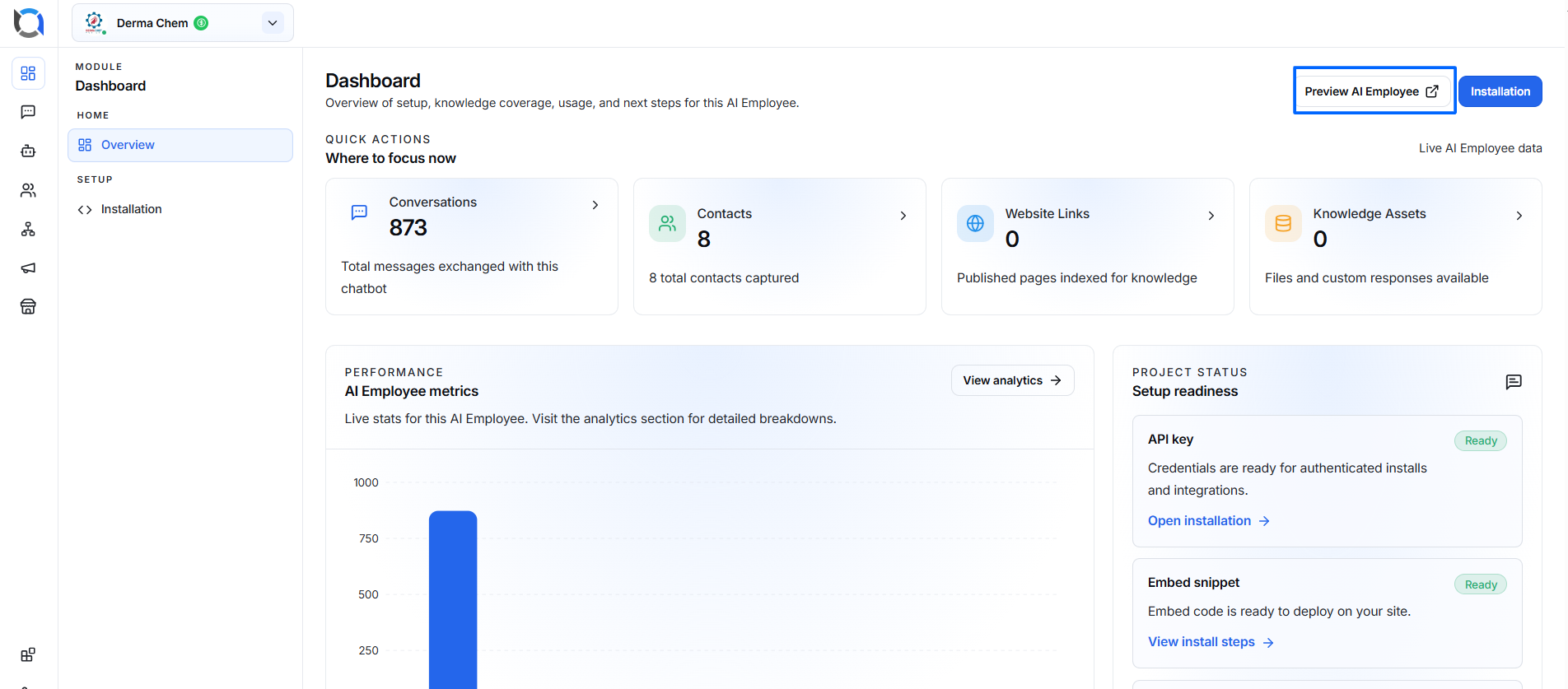
- Open your AI Employee Dashboard.
- Click Preview AI Employee.
- A chatbot window opens.
- Type any message.
- Verify:
- AI responses
- Conversation flow
- Buttons
- Knowledge responses
- Custom prompts
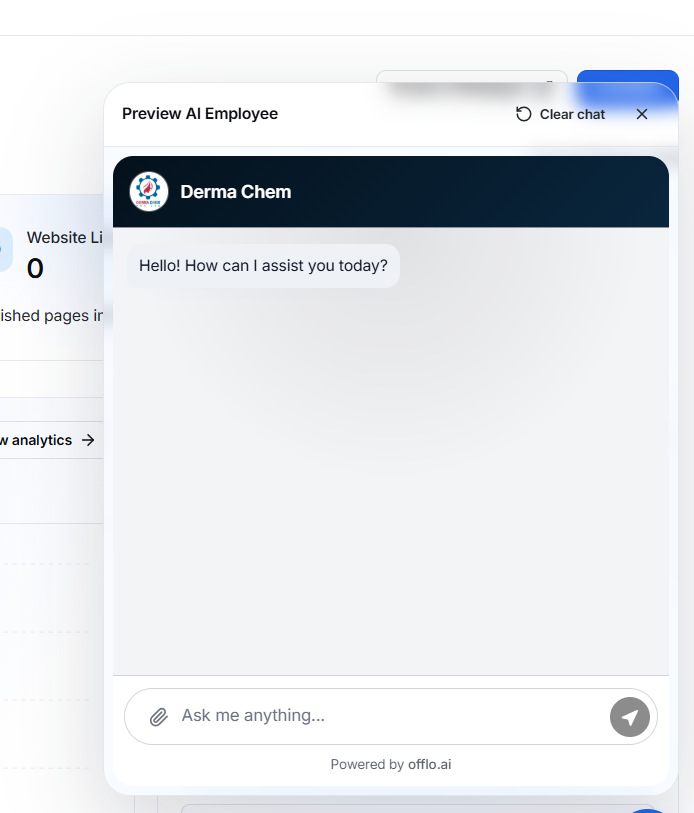
This feature is intended only for internal testing.