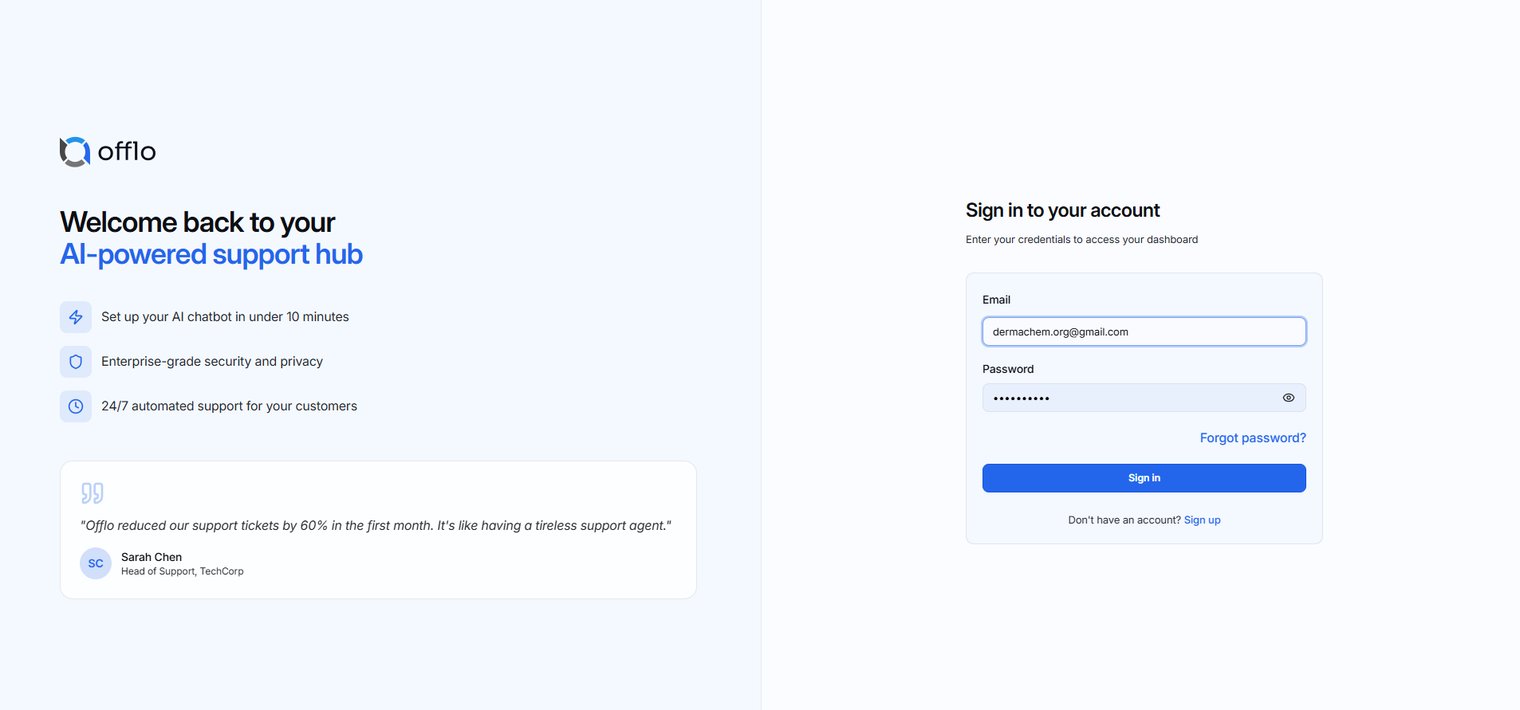
Create an Account
Overview
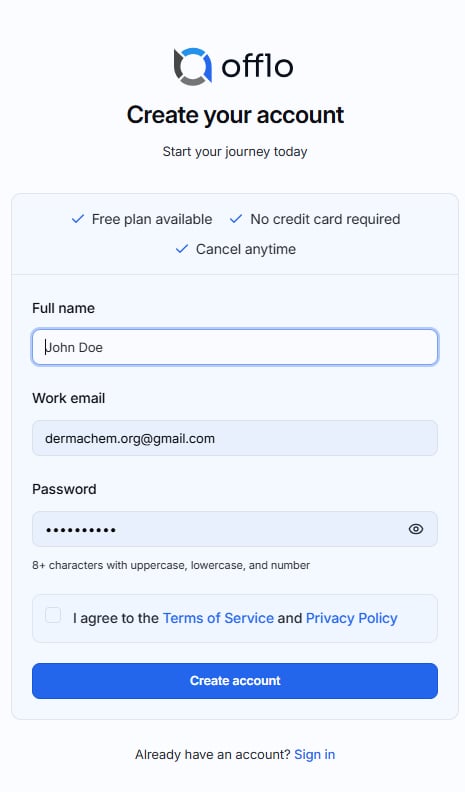
The Create an Account page allows new users to register for an Offlo account. Once registration is completed successfully, users can access the Offlo dashboard and begin using the platform.
Prerequisites
Before creating an account, ensure that you have:
- A valid work email address.
- A secure password that meets the password requirements.
- Accepted the Terms of Service and Privacy Policy.
Steps to Create an Account
- Enter your Full Name.
- Enter your Work Email address.
- Create a password that meets the required security criteria.
- Select the checkbox to accept the Terms of Service and Privacy Policy.
- Click Create account.
Expected Result
After successfully creating your account, you will be redirected to the Dashboard, where you can begin setting up and using Offlo.
Already Have an Account?
If you have already registered an account:
- Click the Sign in link located at the bottom of the Create Account page.
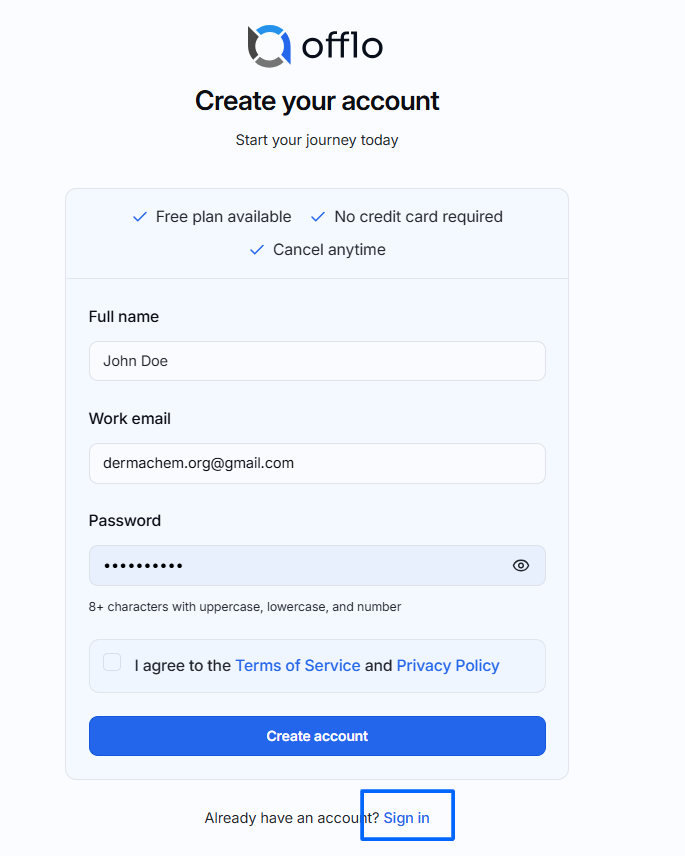
- You will be redirected to the Sign In page.
- Enter your registered email address and password.
- Click Sign In to access your dashboard.