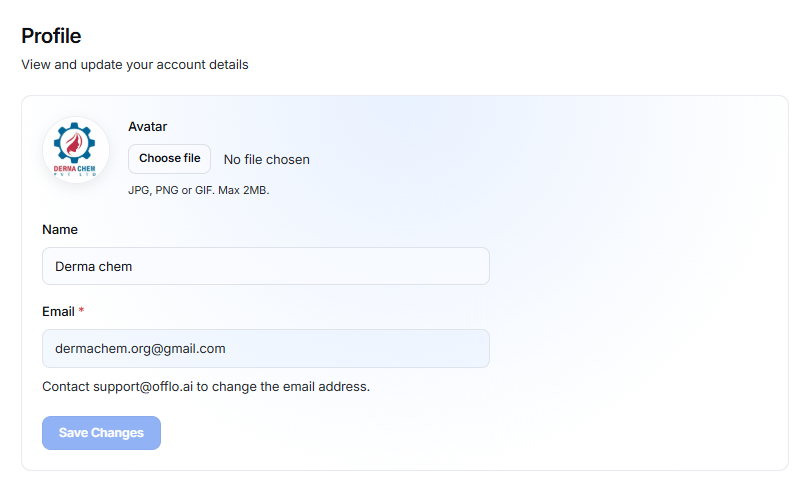
The Profile page allows you to view and update your account details, including your profile picture and name. You can also manage your account data and request deletion of your personal data.
Profile Information
The Profile page contains the following account details:
Avatar
You can upload a profile picture to personalize your account.
Supported formats:
- JPG
- PNG
- GIF
Maximum file size: 2 MB
To upload an avatar:
- Click Choose file.
- Select an image from your device.
- The selected image will be displayed as your profile avatar.
- Click Save Changes.
Name
The Name field displays your account name.
You can update your name by entering the new name in this field.
The Email field displays the email address associated with your account.
The email address cannot be changed directly from the Profile page.
If you need to change your email address, contact Offlo Support.
Save Changes
After updating your avatar or name:
- Make the required changes.
- Click Save Changes.
- Your updated profile information will be saved.